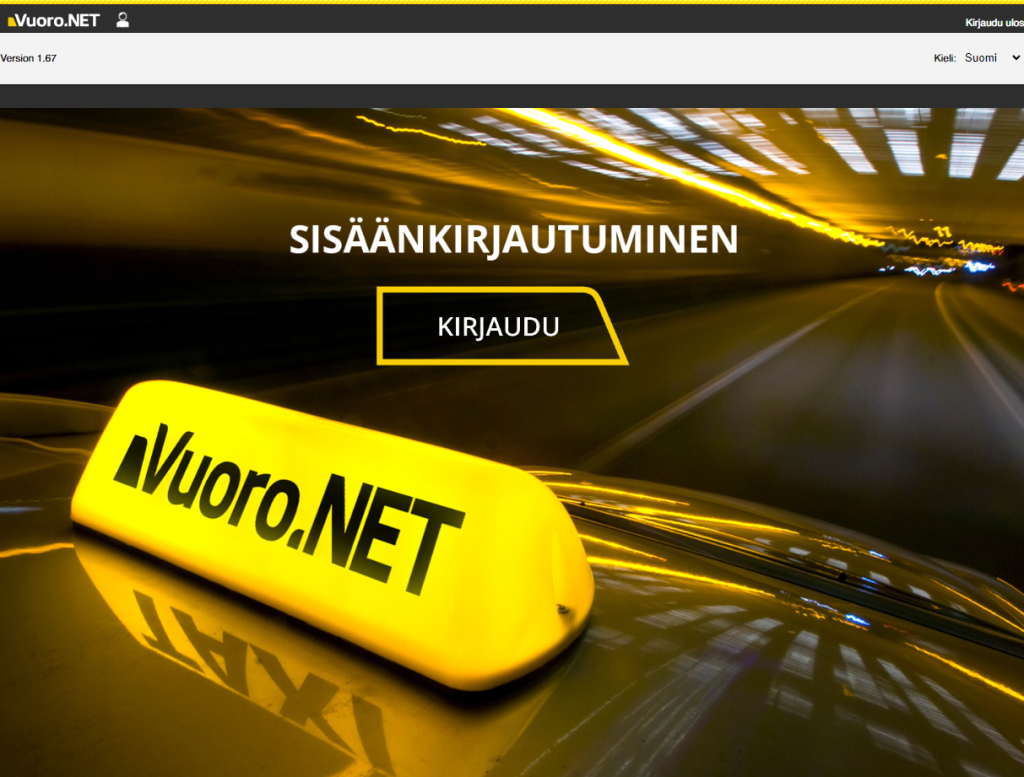
Open the website https://vuoro.net/ in your internet browser. Click the Login button
NOTE: Depending on your operating system's language settings, the settings may appear in different languages. Here they are presented in English.
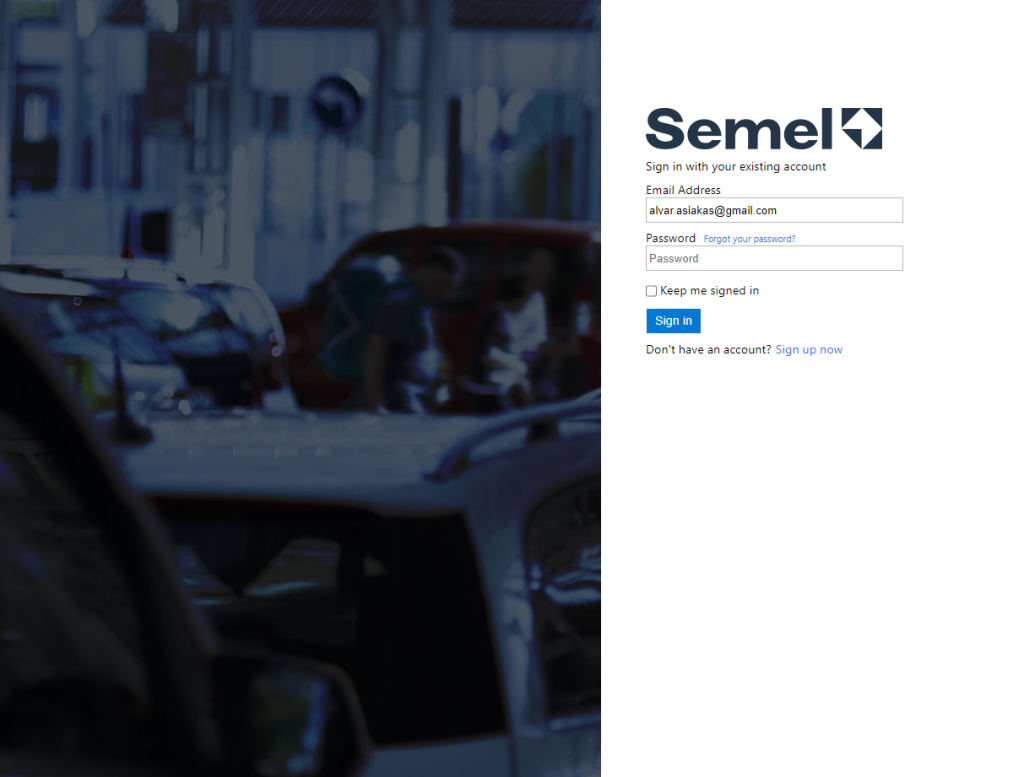
If you have previously created an account for Semel B2C identification service, e.g. when introducing the Vuoro.NET mobile app, then enter the registered email address (”Email address”), Salasana (”Password”) and select Log in (”Sign in”) to the service.
If you have not created an account before, select Register Now”Sign up now”) and create an account for authentication.
You need a working email address to create an account for the authentication service.
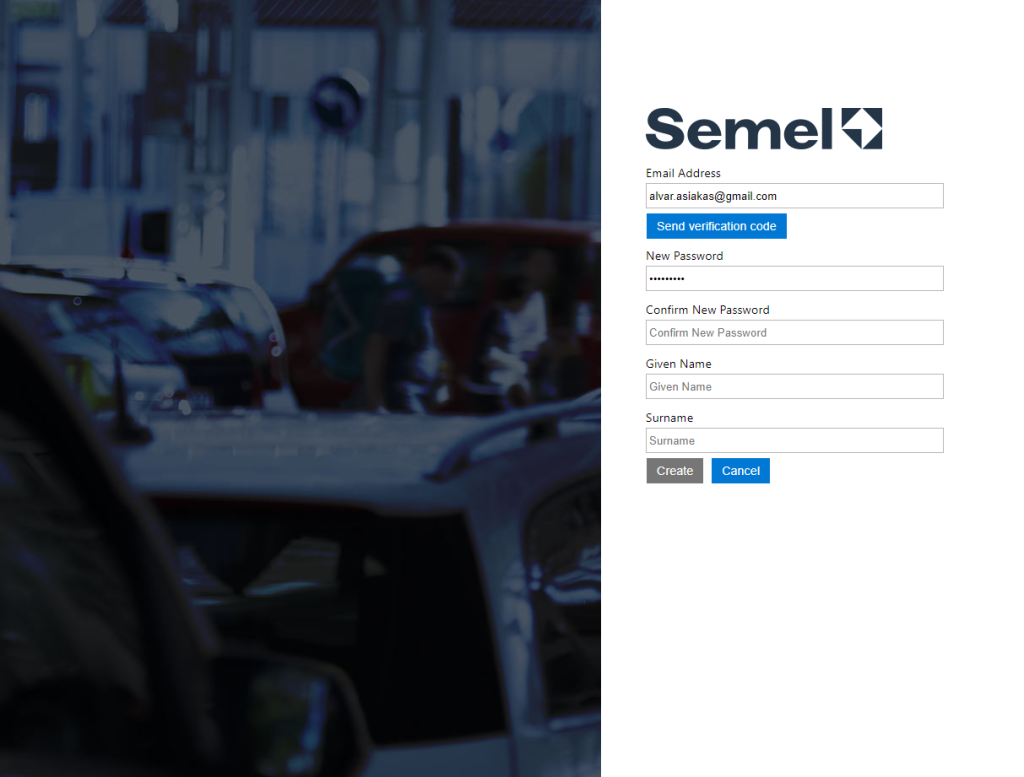
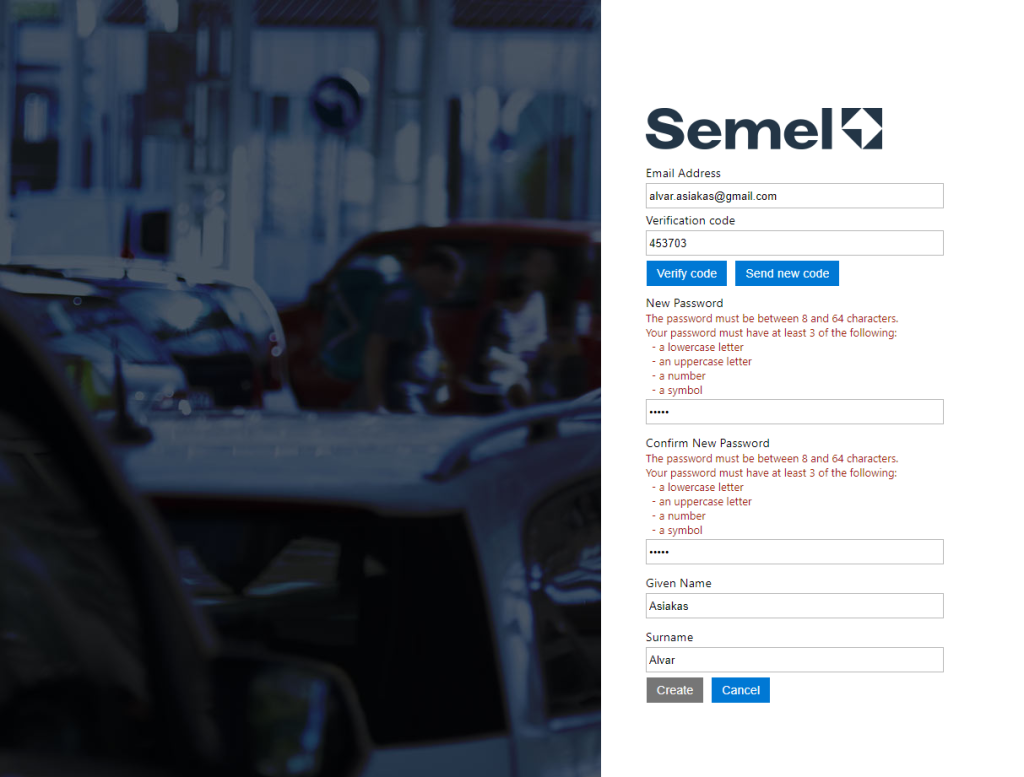
Enter ”Email address”and press”Send Verification code”
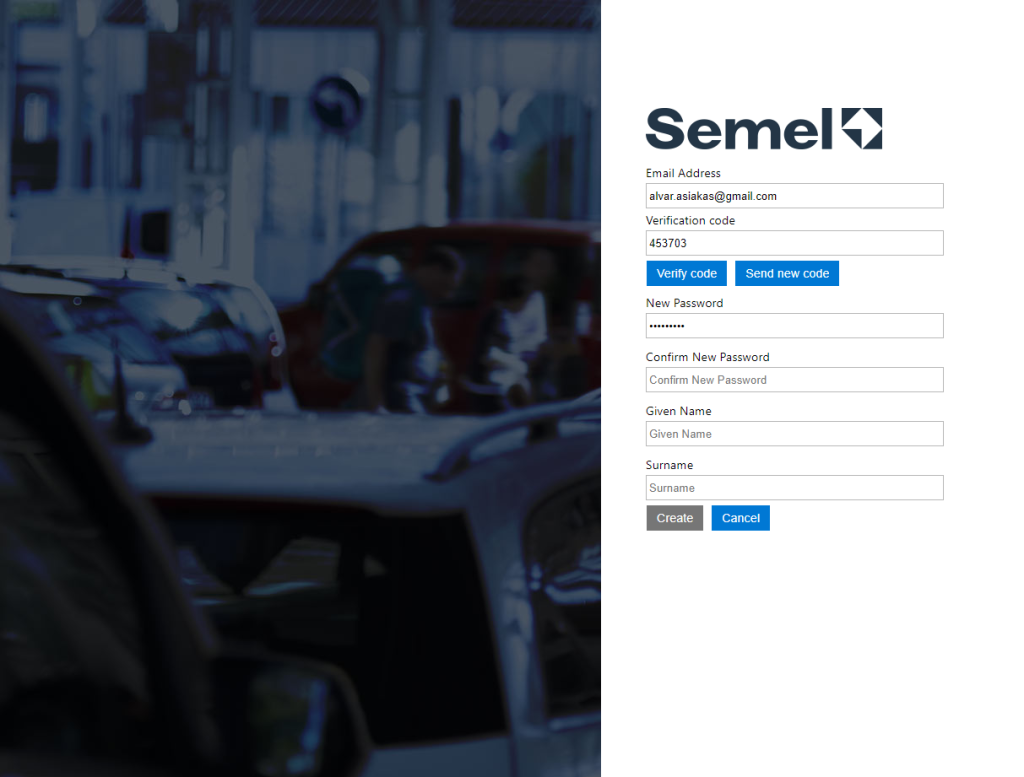
The app will send a verification code to the email address you provided.”Verification code”), which you need to enter on the screen that opens.”Verification code”field. After that, press ”Verify code”
Once the code is confirmed, the application will ask for a password to use, as well as other additional information.
NOTE: The application requires that the password meets certain requirements.
Enter the requested information.
Password (password, twice)
Last name (Last name)
Phone number Phone number
First name First name
First name Display name
After this, press ”Create”(Luo). The authentication service then creates an account and saves the username and set password, after which the Vuoro.NET portal opens. It is possible to authenticate with the created account to other Semel services as well, e.g., the Vuoro.NET mobile application.
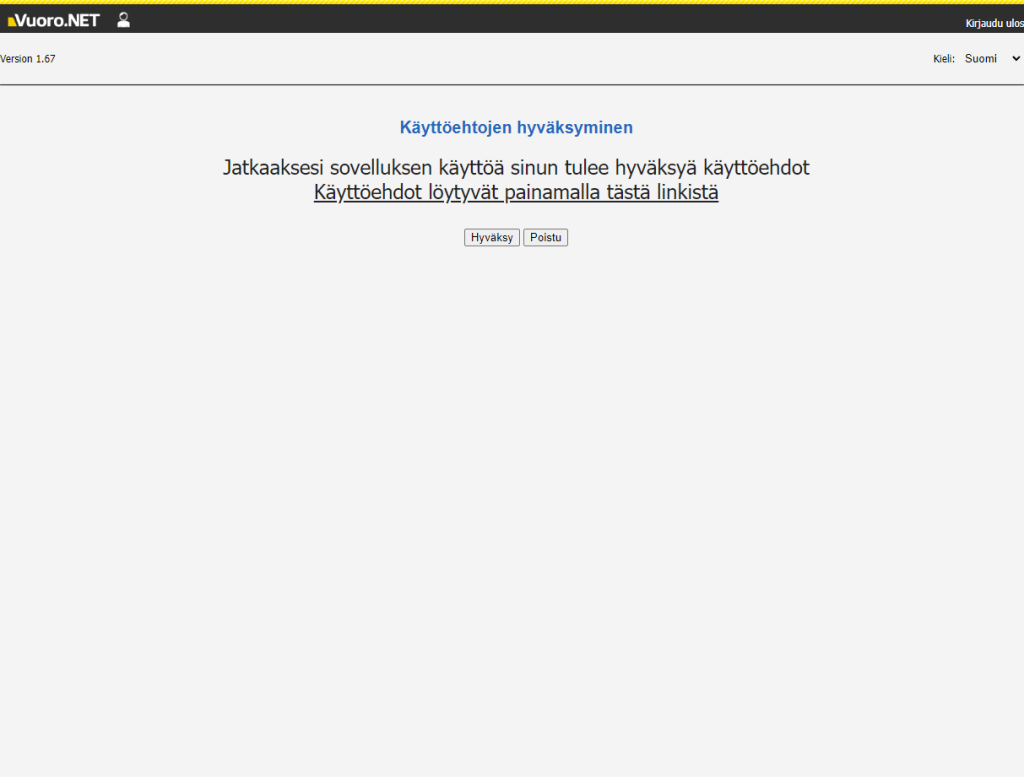
Acceptance of the terms of service is still required to use the service